Blog
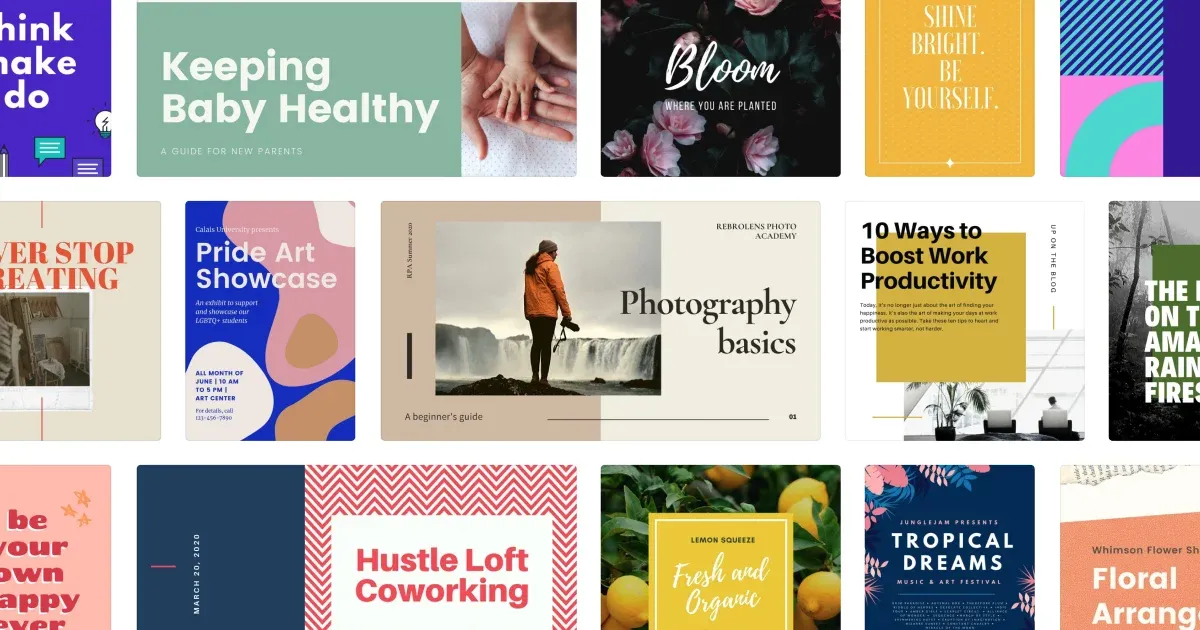
How to sell Canva templates (and actually make money doing it)
Learn how to sell Canva templates and build a profitable digital product business. Covers niche selection, design tips, pricing strategies, and where to sell.

Canva has more than 220 million monthly active users. Every one of them opened the app because they needed to make something, whether that's Instagram content for their coaching business, a pitch deck for an investor meeting, or wedding invitations they don't want to pay a designer $500 to create.
Most of them would rather buy a polished, ready-to-customize template than stare at a blank canvas. That's the business opportunity. Creator Katya Varbanova built a seven-figure template business while working fewer than ten hours a week. Others earn a reliable $1,000 to $2,000 a month on the side. The range is wide, but the model is proven.
You don't need a design degree or expensive software to do this. Canva's free version works. What you do need is an understanding of what people actually want and a reliable way to deliver your templates once they buy. Here's how the whole thing works.
Why Canva templates sell
Templates solve a specific, recurring problem: people need professional-looking designs but don't have the time, skill, or budget to hire a designer. A small business owner who needs 30 days of Instagram content isn't going to spend $3,000 on a freelancer. They'll spend $27 on a template pack and customize it themselves in an afternoon.
This is why the model works so well. Templates are shortcuts. And shortcuts have enormous perceived value when they save someone hours of work or help them look more professional than they could on their own.
The economics are hard to argue with, too. Your cost to create a Canva template is essentially your time. There's no inventory or shipping to worry about. Once a template exists, it can sell an unlimited number of times with almost zero marginal cost.
Find your niche (seriously, find one)
The biggest mistake new template sellers make is going broad. "Social media templates" puts you in a category with thousands of competitors, and you'll drown in it.
The sellers who actually gain traction pick a specific audience and solve their specific problem. Think less "Instagram templates" and more "Instagram carousel templates for nutritionists" or "client welcome packet templates for wedding photographers."
A few ways to narrow down a profitable niche:
Start with the buyer, not the template. Who has money to spend on templates and uses Canva regularly? Small business owners, coaches, course creators, real estate agents, wedding planners, fitness professionals, teachers, content creators. Pick one.
Identify what they create repeatedly. A real estate agent makes listing presentations, open house flyers, and social posts every week. A coach creates workbooks, intake forms, and email graphics. These recurring needs are your product opportunities.
Check existing demand. Search Etsy for "[your niche] Canva template" and see what's selling. Browse Creative Market. Look at what people are asking for in Facebook groups or Reddit communities related to your chosen audience. You want to see existing demand, not an empty market.
Go specific, then expand. Start with one focused product line. Once you've built credibility and reviews in that niche, you can branch into adjacent products.
The sellers consistently earning four and five figures a month almost always own a niche. They're known as the go-to person for Canva templates for real estate agents, or coaches, or wedding vendors. That specificity is what makes them hard to compete with.
Design templates that actually sell
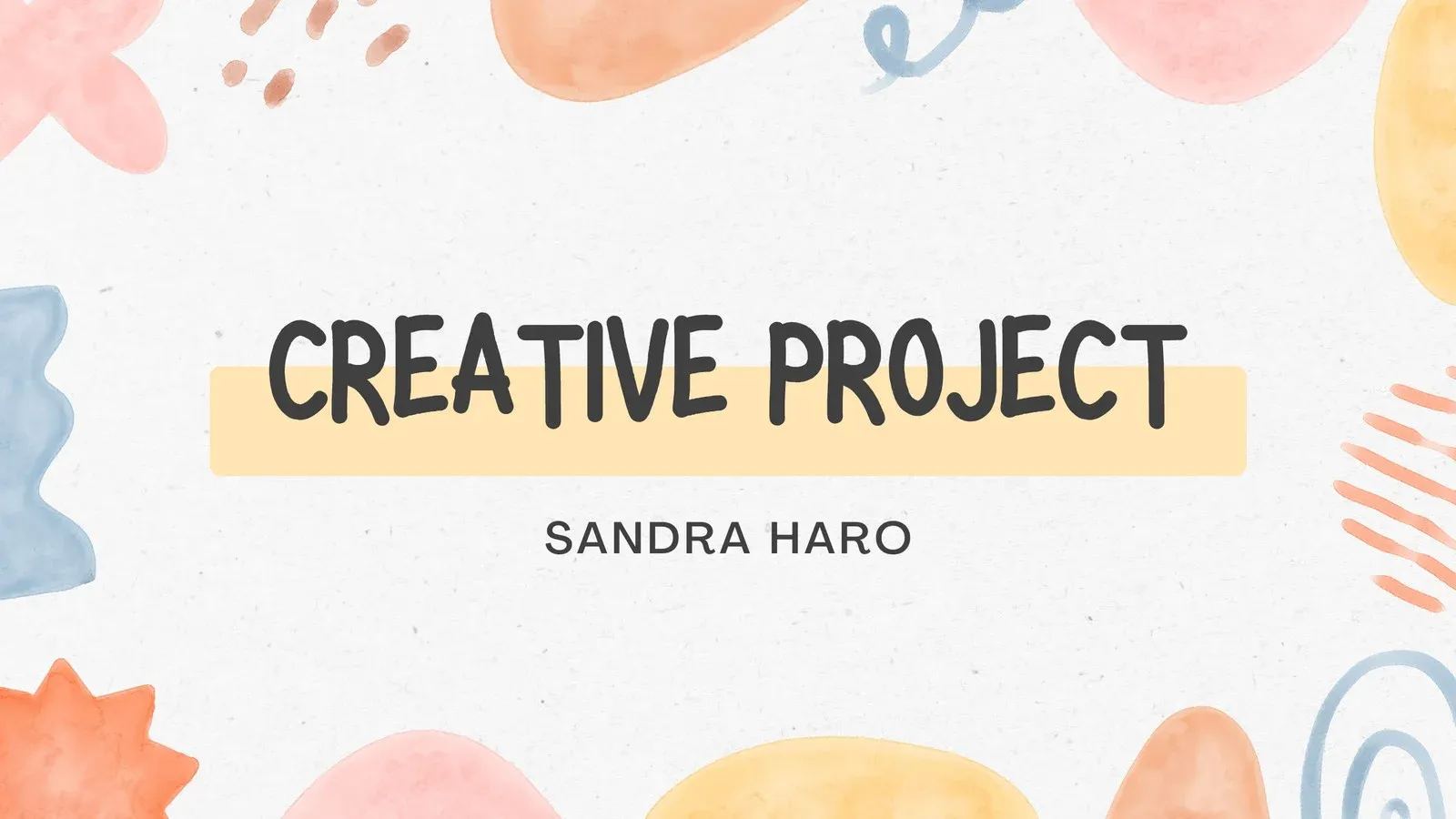
You don't need to be a trained graphic designer. But you do need to understand a few principles that separate templates people buy from templates people scroll past.
Keep designs clean and easy to customize. This is the single most important thing. Buyers aren't looking for complexity. They're looking for something they can open, swap in their brand colors and photos, change the text, and be done. If your template requires a design tutorial to use, it's too complicated.
Use a consistent visual identity across your products. When someone finds your template pack and likes the aesthetic, they should feel confident that your other products will match. Consistent typography choices, color palettes, and layout styles across your product line build trust and encourage repeat purchases.
Design for the platform, not for yourself. If you're making Instagram templates, study what performs well on Instagram right now. If you're making pitch decks, look at what successful pitch decks actually look like. Your personal design preferences matter less than what works for the buyer's use case.
Bundle strategically. A single Instagram post template is hard to sell for more than a few dollars. A 50-template Instagram content bundle for fitness coaches, complete with feed posts, stories, carousels, and highlight covers, can sell for $30 to $50 or more. Bundles increase perceived value and your average order value in one move.
Create mockups that sell the transformation. Your product listing images are your most powerful sales tool. Show the template in context. An Instagram template should appear as it would look on an actual phone screen. A pitch deck should look like it's being presented. Help buyers picture themselves using the product.
Understand the legal side
Before you start selling, you need to understand what Canva allows and what it doesn't.
You can sell templates made in Canva. Canva's licensing explicitly permits this. You can share your designs with others via Canva's "Template Link" feature, which gives each buyer their own editable copy without touching your original.
What you cannot do is sell standalone Canva elements. If you use a stock photo, illustration, or graphic from Canva's library, it must be part of a larger original design. You can't just resell a Canva Pro graphic by itself. Your template needs to be a unique composition that incorporates those elements.
If you're using Canva Pro (currently $14.99 per month), you get access to the full premium asset library, the Brand Kit feature, Magic Resize for quickly adapting designs to different formats, and other tools that speed up your workflow. The free version works for getting started, but Pro pays for itself quickly once you're actively creating products.
Always share templates using Canva's "Template Link" feature rather than exporting raw files. This ensures each buyer gets a clean copy, your original stays intact, and everything remains within Canva's terms of service.
Choose where to sell
You have three main options for selling your Canva templates, and the smartest sellers usually use more than one.
Marketplaces: Etsy and Creative Market
Etsy is the most popular marketplace for Canva templates, and for good reason. With hundreds of millions of monthly visitors, it brings built-in traffic you don't have to generate yourself. Buyers are already there with credit cards ready, searching for exactly the type of product you're selling.
The trade-off is fees and competition. Etsy charges listing fees, transaction fees, and payment processing fees that add up. You also have limited control over your brand experience, and you're competing directly with thousands of other template sellers.
Creative Market is another solid marketplace, particularly for higher-end design products. The audience tends to be more design-savvy, which can mean higher price tolerance but also higher expectations for quality.
Marketplaces work well for discovery, especially when you're starting out. But they shouldn't be your only sales channel.
Your own website or storefront
Selling from your own site (or anywhere you can paste a link) gives you the most control. You keep more of your revenue, own the customer relationship, and can build an email list for repeat sales. You set the prices, control the brand experience, and aren't subject to marketplace algorithm changes that could tank your visibility overnight.
The challenge is traffic. When you sell from your own site, you need to bring the buyers to you through social media, SEO, email marketing, or paid ads.
This is where a digital delivery platform becomes essential. You need a reliable way to process payments and deliver template files or links to buyers automatically, without manually emailing each customer.
SendOwl handles this entire workflow.
You upload your product, set your price, and get a buy link you can place anywhere: your website, your Instagram bio, a Linktree page, an email newsletter, or a dedicated storefront. When someone purchases, SendOwl processes the payment through Stripe or PayPal and delivers the template file or access link instantly.
What makes this particularly useful for Canva template sellers is the flexibility. You can sell a PDF containing the Canva template link, deliver a ZIP file with multiple template links and a getting-started guide, or set up a drip sequence that delivers different template packs over time. SendOwl's 1-click upsells let you offer a related template bundle at checkout, which is one of the simplest ways to increase your average order value. And features like cart abandonment emails help you recover sales from buyers who got distracted before completing checkout.
For Canva template sellers specifically, the ability to sell from anywhere you can paste a link matters more than you'd think. Your templates are digital, your audience is on social media, and your checkout should be as frictionless as possible.
The hybrid approach
The strongest template businesses sell on both marketplaces and their own channels. Use Etsy or Creative Market for discovery and new customer acquisition. Then funnel those buyers to your own site or email list for repeat purchases, where you keep more of the revenue and control the relationship.
Include a card or note in your Etsy deliverables that says something like "Get 15% off your next order when you shop direct at [your site]." This is standard practice and completely within marketplace terms. Over time, you shift the balance toward direct sales where margins are better.
Price your templates to reflect their value
Pricing is where many template sellers leave money on the table. They see competitors listing individual templates for $2 to $5 and assume they need to match those prices. Don't.
Instead, think about what the template is worth to the buyer. A pitch deck template that helps someone close a client is worth far more than the $7 someone might charge for it. A social media bundle that saves a business owner 10 hours a month is worth $30 to $50 easily.
General pricing ranges that work:
Individual templates (single post, single story, one-page design): $3 to $12, depending on niche and quality. Small packs (5 to 15 related templates): $12 to $30. Comprehensive bundles (30+ templates, multiple formats, bonus materials): $30 to $79. Premium or specialized templates (pitch decks, media kits, full brand kits): $25 to $100+.
Bundles consistently outperform individual listings. They provide better value for the buyer and higher revenue for you. A 50-template social media bundle at $37 is much easier to sell than 50 individual templates at $3 each, and buyers perceive far more value in the bundle even if the math is similar.
Test your prices. Start where you feel confident, then raise prices incrementally and watch what happens to your conversion rate. You might be surprised at how little pushback you get. In many niches, charging more actually increases sales because buyers associate higher prices with higher quality.
Market your templates
Creating great templates is half the work. The other half is getting them in front of the right people.
Start with Pinterest. Pinterest functions as a visual search engine, and template sellers do disproportionately well there. Create pins showing your templates in use, link them to your product listings, and let the algorithm connect you with people actively searching for what you sell. Pins have a much longer lifespan than social media posts. A single pin can drive traffic for months.
Instagram and TikTok for demonstrations. Short-form video sells templates better than static images ever will. Record a 30-second screen recording of you customizing a template from generic to branded. These videos work because they show the buyer exactly what they're getting and how fast they can make it their own.
Build an email list from day one. Offer a free template as a lead magnet to collect email addresses. Then nurture that list with new product announcements, seasonal promotions, and design tips. Email consistently outperforms social media for driving sales because you own the channel and your message actually reaches people.
Use SEO strategically. Whether you're on Etsy or your own site, optimize your product titles and descriptions for the terms your buyers are actually searching. "Canva Instagram template for real estate agents" will perform better than "Beautiful social media design pack." Think about what someone would type into a search bar when they need what you sell.
Offer seasonal and trending products. Create template packs for back-to-school season, Black Friday promotions, New Year planning, wedding season, or whatever seasonal moments are relevant to your niche. Time-sensitive products create urgency and give you a reason to email your list.
Scale from side hustle to real business
Once you've validated your niche and have consistent sales coming in, scaling looks like doing more of what already works.
Expand your product line within your niche. If you're selling social media templates for coaches, add workbook templates, course slide templates, email header templates, and client-facing document templates. Serve the same buyer with more products.
Create an evergreen funnel. Set up an automated sequence where new email subscribers receive a welcome discount, get a few useful emails with design tips, and then receive product recommendations. This runs in the background and converts subscribers into buyers without ongoing effort.
Launch a signature bundle. Your "Ultimate [Niche] Template Bundle" becomes your flagship product. Price it at a premium, include everything a buyer in your niche could need, and position it as the one purchase that replaces dozens of individual buys. These bundles often become a seller's biggest revenue driver.
Consider affiliate partnerships. Tools like SendOwl's built-in affiliate program let you recruit other creators to promote your templates in exchange for a commission. This turns your customers and peers into a sales team without any upfront cost.
The math on Canva templates gets better over time. You invest the hours upfront to create the templates, set up your systems, and build your marketing channels. Then the revenue grows as your catalog gets bigger and your audience finds you.
Getting started this week
You don't need everything figured out before you begin. A realistic first week:
Pick your niche. Spend a few hours researching what's selling and where you see opportunity. Choose one specific audience to serve.
Create your first product. Design a small template pack of 5 to 10 pieces. Focus on quality over quantity. Make sure each template is easy to customize and looks professional.
Set up your sales channel. List on Etsy for immediate exposure, and set up a SendOwl account to start selling direct with a simple payment link you can share anywhere.
Create one piece of marketing content. Make a Pinterest pin, record a quick TikTok, or write an Instagram post showing your templates in action.
All of that can happen in a week. You'll learn more from having a real product in front of real buyers than from months of planning and second-guessing.
The Canva template market keeps growing because more people are creating content than ever before, and most of them want a head start on a blank page. If you can give them that with well-designed, niche-specific templates, you've got yourself a business.
Written by Dani
Dani is the GM of SendOwl. She joined in August 2025 after working with creators on platforms like Skillshare and Wattpad. She loves nothing more than helping creators turn dreams into money.

Dani is the GM of SendOwl.
community
Join our newsletter for the latest tips, updates,
and exclusive offers to supercharge your digital product sales.