Blog
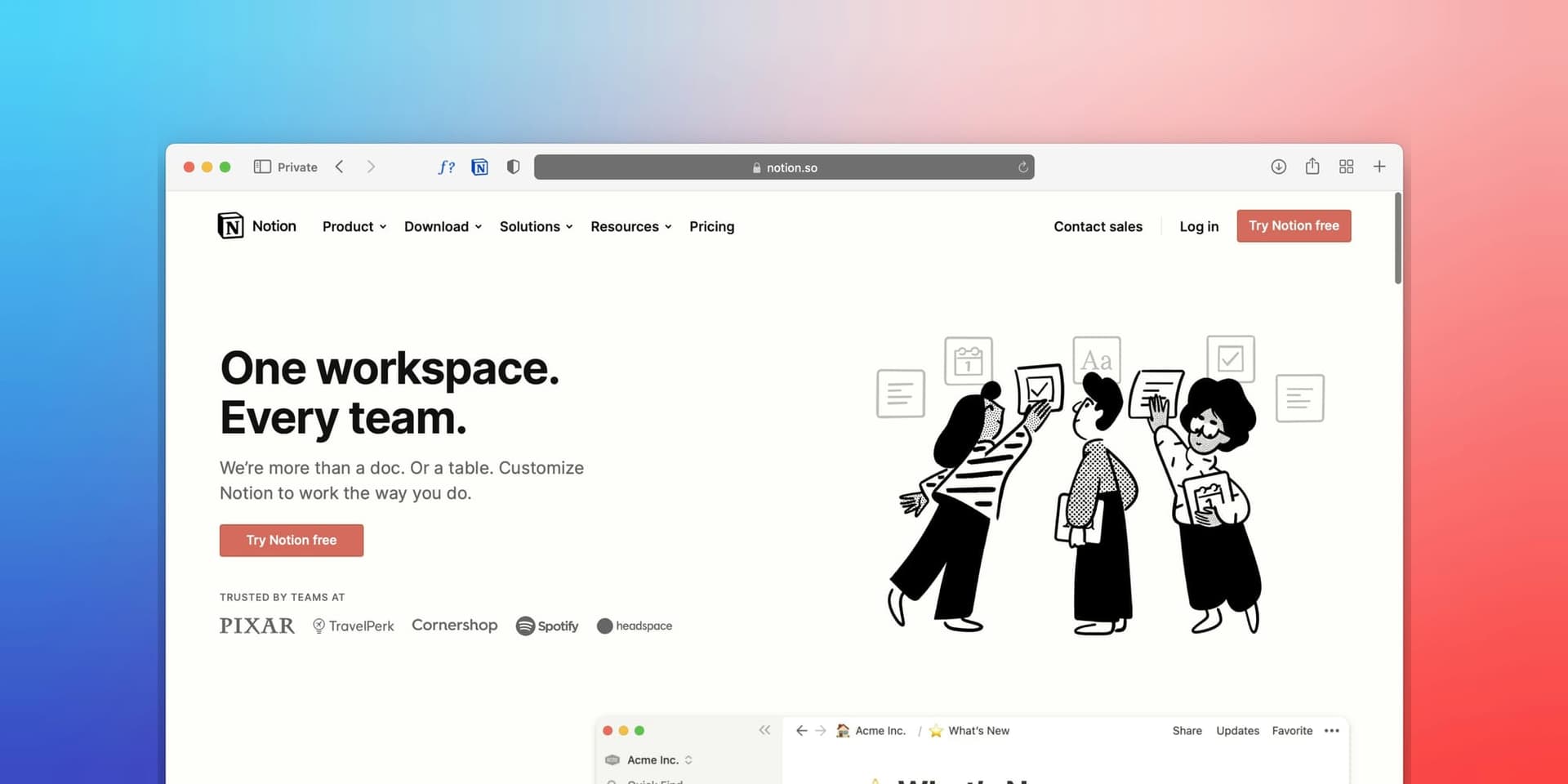
How to sell Notion templates: a complete guide to building a profitable side business
Learn how to sell Notion templates and build a profitable side business. Covers creation, pricing, marketing, and scaling to $1,000+ per month.

Notion has 30 million users, and many will pay for pre-built templates that save hours of setup. Here's how to build that business.
If you've spent any time on Twitter/X or Reddit, you've probably noticed creators pulling in $1,000 to $10,000+ per month selling Notion templates. This isn't hype. The market for Notion templates has grown steadily since 2020, and it's still far from saturated. Unlike many digital product categories, the barrier to entry is low, the tools are free, and the audience is actively searching for solutions.
In this guide, you'll learn exactly how to sell Notion templates. You'll cover everything from identifying what types sell best, to building templates people actually want to buy, to choosing where to sell them, pricing them right, and marketing them without a huge following.
Why Notion templates are a growing market
Notion's user base has exploded from 4 million in 2020 to over 30 million today. But here's the thing that makes this market especially interesting: Notion is powerful, but it's also overwhelming. The blank-page problem is real. Most users know Notion can do almost anything, but they don't have the time or skills to build complex systems from scratch.
That gap between what Notion can do and what users can build themselves is exactly where template sellers thrive. You're not selling a digital file. You're selling saved time, proven systems, and the confidence that comes from using something a more experienced person has already figured out.
A few factors make this market particularly attractive right now:
- Low production costs. You don't need design software, coding skills, or expensive tools. Notion itself is free.
- High margins. Once a template is built, your cost of goods is essentially zero. Every sale after the first is nearly pure profit.
- Recurring demand. Notion keeps adding features, which means existing templates need updates and new template categories keep emerging.
- Global audience. Notion is used worldwide, and templates work across languages with minimal localization.
Types of Notion templates that sell best
Not all Notion templates are created equal. Some categories consistently outperform others because they solve specific, recurring problems. Here's what's working in 2025 and 2026.
Project management and business systems
Project trackers, client CRMs, and business dashboards are among the highest-selling template categories. Freelancers, small business owners, and startup teams are the core buyers. They need systems but can't justify enterprise software like Monday.com or Salesforce.
Templates in this category typically sell in the $15-$49 range. A solid freelancer CRM template with pipeline tracking, invoice logging, and client communication history can command $29-$39 easily. The key is building something that replaces a paid SaaS tool.
Habit trackers and personal development
The self-improvement market is enormous, and it overlaps heavily with Notion's user base. Habit trackers, goal-setting systems, journaling templates, and morning routine dashboards consistently sell well, especially in the $5-$15 range.
Volume is the play here. These templates sell at lower price points, but they appeal to a massive audience. A well-marketed habit tracker can generate hundreds of sales per month.
Content calendars and creator tools
Content creators are some of Notion's most active users. Social media content calendars, editorial planners, YouTube video trackers, and podcast production systems all perform well. Creators understand the value of organization because disorganization directly costs them money.
Pricing for creator-focused templates runs $10-$35, depending on complexity. A comprehensive content system that covers ideation, scheduling, analytics tracking, and repurposing workflows can push toward the higher end.
Finance and budget trackers
Personal finance templates like budget trackers, expense logs, investment portfolios, and net worth calculators have a built-in audience of people trying to get their money in order. These templates sell year-round with spikes in January and around tax season.
The $7-$19 range is the sweet spot here. Finance templates benefit from being practical enough that people use them daily, which leads to word-of-mouth referrals.
Student and academic systems
Students are heavy Notion users, and they need assignment trackers, study planners, course organizers, and GPA calculators. The challenge is that students are also price-sensitive. Templates in this category work best at $5-$12 or as part of a bundle.
The opportunity is in volume and in building a brand that students trust. If you become known as the go-to creator for student Notion templates, you can build a catalog that sells consistently every semester.
How to create Notion templates that people actually buy
Building a Notion template that functions is easy. Building one that sells requires more thought. Here's the process that separates templates that collect dust from templates that generate consistent revenue.
Start with a specific problem
The biggest mistake new template creators make is building something generic. "Life Dashboard" or "All-in-One Workspace" sounds impressive, but it competes with thousands of similar templates. Instead, target a specific person with a specific problem.
"Freelance Web Developer Client Tracker" is better than "CRM Template." "YouTube Channel Growth Planner for Small Creators" is better than "Content Calendar." The more specific your template, the easier it is to market and the more you can charge.
Design for the first 5 minutes
Your template needs to make a great impression the moment someone duplicates it into their workspace. That means clean layouts, clear instructions, pre-filled example data, and an obvious starting point.
Include a "Start Here" page that walks new users through the template. Use callout blocks to explain each section. Pre-populate databases with sample entries so users can see how the system works before they start customizing.
Make it visually polished
Aesthetics matter more than most creators realize. Use consistent icons (Notion's built-in icons or a cohesive emoji set), thoughtful color coding, and clean typography. Cover images for each page add a professional touch that justifies higher pricing.
Templates that look like they were designed with care sell at 2-3x the price of functional-but-ugly alternatives. Spend time on visual polish because it directly impacts perceived value.
Include documentation
A getting-started guide, FAQ section, or short video walkthrough can dramatically reduce refund requests and increase positive reviews. Buyers want to feel supported, even with a $10 purchase.
Consider recording a 3-5 minute Loom video showing how to use the template. Link it directly from the template's Start Here page. This small effort pays dividends in customer satisfaction and word of mouth.
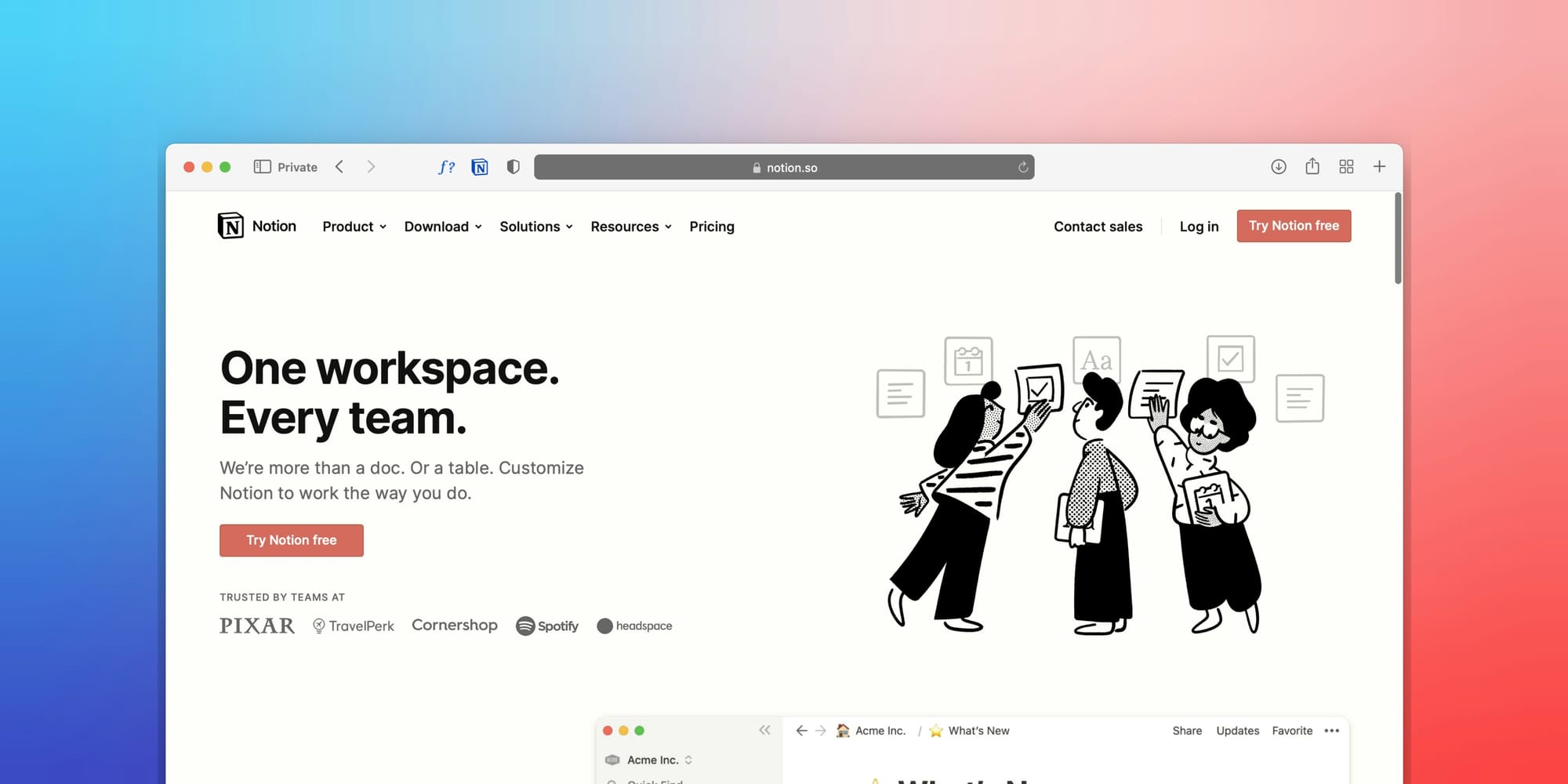
Where to sell Notion templates
You have several options for selling Notion templates, and the right choice depends on where you are in your journey.
Gumroad
Gumroad is the most popular platform for Notion template sellers, and for good reason. Setup takes minutes, fees are straightforward (10% flat rate), and there's a built-in discovery feature that can bring in organic sales. Most creators start here.
The downside is that 10% fee adds up fast, and you're building on someone else's platform. You also have limited control over the buying experience and customer data.
Etsy
Etsy has a surprisingly large market for digital products, including Notion templates. The advantage is Etsy's massive built-in audience, where people actively searching for templates will find your listings through Etsy search. Fees run about 6.5% per transaction plus a $0.20 listing fee.
Etsy works well as a supplementary channel. The platform's search algorithm rewards consistent new listings and strong reviews, so plan to build a catalog of at least 10-15 templates if you go this route.
Your own website
Selling from your own site gives you the highest margins, full control over branding, and direct access to customer email addresses. You keep the relationship with your buyers, which matters enormously for repeat sales and building a long-term business.
The tradeoff is that you need to drive your own traffic, since there's no built-in marketplace audience. But if you're already building a following on social media or through SEO content, selling directly is the most profitable path. Platforms like SendOwl let you set up a storefront quickly and handle delivery automatically, so you don't need to build anything from scratch. You upload your template files, set prices, and share purchase links wherever your audience hangs out.
Notion's official marketplace
Notion launched its own template marketplace, which gives you direct access to Notion's user base. The approval process is more selective, but accepted templates get visibility that's hard to match elsewhere. If your templates are polished and solve clear problems, this is worth pursuing.
The multi-channel approach
Most successful Notion template sellers don't pick just one platform. They sell on Gumroad or their own site as the primary channel, list on Etsy for additional discovery, and submit their best work to Notion's marketplace. Each channel reaches a slightly different audience, and the marginal effort of listing on multiple platforms is low once the template is built.
How to price your Notion templates
Pricing is where most creators leave money on the table. The default instinct is to price low at $3, $5, or maybe $7. But underpricing signals low quality and attracts buyers who are more likely to complain and less likely to become repeat customers.
Here are general pricing ranges based on what's working in the market:
- Simple single-page templates (habit trackers, reading lists): $5-$9
- Multi-page systems (content calendars, budget trackers): $10-$19
- Comprehensive business tools (CRMs, project management suites): $19-$39
- Premium all-in-one systems (complete business-in-a-box): $39-$49+
- Bundles (3-5 related templates packaged together): $29-$59
The key principle: price based on the value your template provides, not the time it took to build. A CRM template that replaces a $30/month SaaS subscription is worth $29 as a one-time purchase. Frame it that way in your sales copy.
Consider offering a free template as a lead magnet. This builds trust, demonstrates quality, and gets people into your ecosystem. Many of the highest-earning Notion template creators give away one strong template and sell the rest.
Marketing strategies that work for Notion templates
Building a great template is half the battle. The other half is getting it in front of the right people. Here are the channels that consistently drive sales for Notion template creators.
Twitter/X
Twitter/X is the single best platform for selling Notion templates right now. The Notion community on Twitter is active, engaged, and willing to buy. Here's how to use it effectively:
- Share work-in-progress screenshots of your templates. People love seeing the build process.
- Post tips about Notion productivity, linking back to your templates as examples.
- Use relevant hashtags: #Notion, #NotionTemplate, #ProductivityTools.
- Engage genuinely with other Notion creators. The community is collaborative, not competitive.
A single viral tweet showcasing a well-designed template can drive hundreds of sales. Consistency matters more than follower count, so post 3-5 times per week about Notion-related topics.
Subreddits like r/Notion, r/NotionTemplates, and r/productivity have hundreds of thousands of members actively looking for templates. Reddit is sensitive to self-promotion, so the approach matters.
Share genuinely helpful content first. Answer questions. Show your templates in context by explaining the problem they solve, not just that they exist. Some creators share free simplified versions on Reddit and link to the full paid version. This builds goodwill and drives qualified traffic.
YouTube tutorials
YouTube is an underutilized channel for Notion template sales. Creating tutorials that show how to use Notion for specific purposes, such as "How I Track All My Freelance Clients in Notion," drives long-tail search traffic for months or years after publishing.
You don't need fancy production. Screen recordings with clear narration perform well. Link your templates in the description and mention them naturally in the video. A single well-optimized YouTube video can drive 5-15 sales per month indefinitely.
SEO and blog content
If you're selling from your own site, writing blog posts targeting keywords like "best Notion templates for freelancers" or "Notion project management setup" drives free organic traffic. This is a slower strategy, but it compounds over time and pairs perfectly with direct sales through your own storefront.

Common mistakes to avoid
A few pitfalls trip up new Notion template sellers consistently:
Building before validating. Don't spend 40 hours on a template before confirming anyone wants it. Check what's selling on Gumroad and Etsy first. Look at search volume. Ask potential buyers what they need.
Ignoring updates. Notion ships new features regularly. Templates that don't evolve feel stale. Plan to update your best sellers 2-3 times per year, and notify past buyers when you do. This builds loyalty and drives reviews.
Skipping the sales page. Even on platforms like Gumroad, your product description matters enormously. Include screenshots, feature lists, use cases, and social proof. A template with a three-sentence description will always lose to one with a compelling, detailed sales page.
Competing only on price. If your strategy is "make it cheaper than everyone else," you'll burn out making $3 sales. Compete on quality, specificity, and branding instead.
Getting started: your first 30 days
Here's a practical timeline if you're starting from zero:
Week 1: Research what's selling. Browse Gumroad's Notion category, check Etsy listings sorted by reviews, and scroll through Notion Twitter. Pick a specific niche and audience.
Week 2: Build your first template. Focus on solving one clear problem well. Include documentation and example data. Polish the design.
Week 3: Set up your sales page. Write compelling copy. Take clean screenshots. Record a short walkthrough video. List on your primary platform.
Week 4: Start marketing. Post on Twitter 3-5 times. Share in relevant Reddit communities. Consider creating a free template as a lead magnet to build your email list.
The Notion template market rewards people who show up consistently and improve over time. Your first template probably won't be a hit, and that's fine. Your fifth or tenth one, built on everything you've learned, very well might be.
SendOwl makes selling Notion templates simple. Upload your files, set your prices, and share links anywhere you connect with your audience. Get started selling digital products for free today.

Dani is the GM of SendOwl.
community
Join our newsletter for the latest tips, updates,
and exclusive offers to supercharge your digital product sales.